How to File 1701/1701A Annual Income Tax Return (ITR) Online via eBIRForms 2026: A Step-by-Step Guide Filing your taxes in the Philippines has become significantly easier with the Bureau of Internal Revenue’s (BIR) online tools. If you are a freelancer, a professional, or a small business owner, filing your Annual Income Tax Return (ITR) for 2026 is a crucial task.
In this guide, we’ll walk you through the process of using the eBIRForms package to file Form 1701 or 1701A accurately and efficiently.
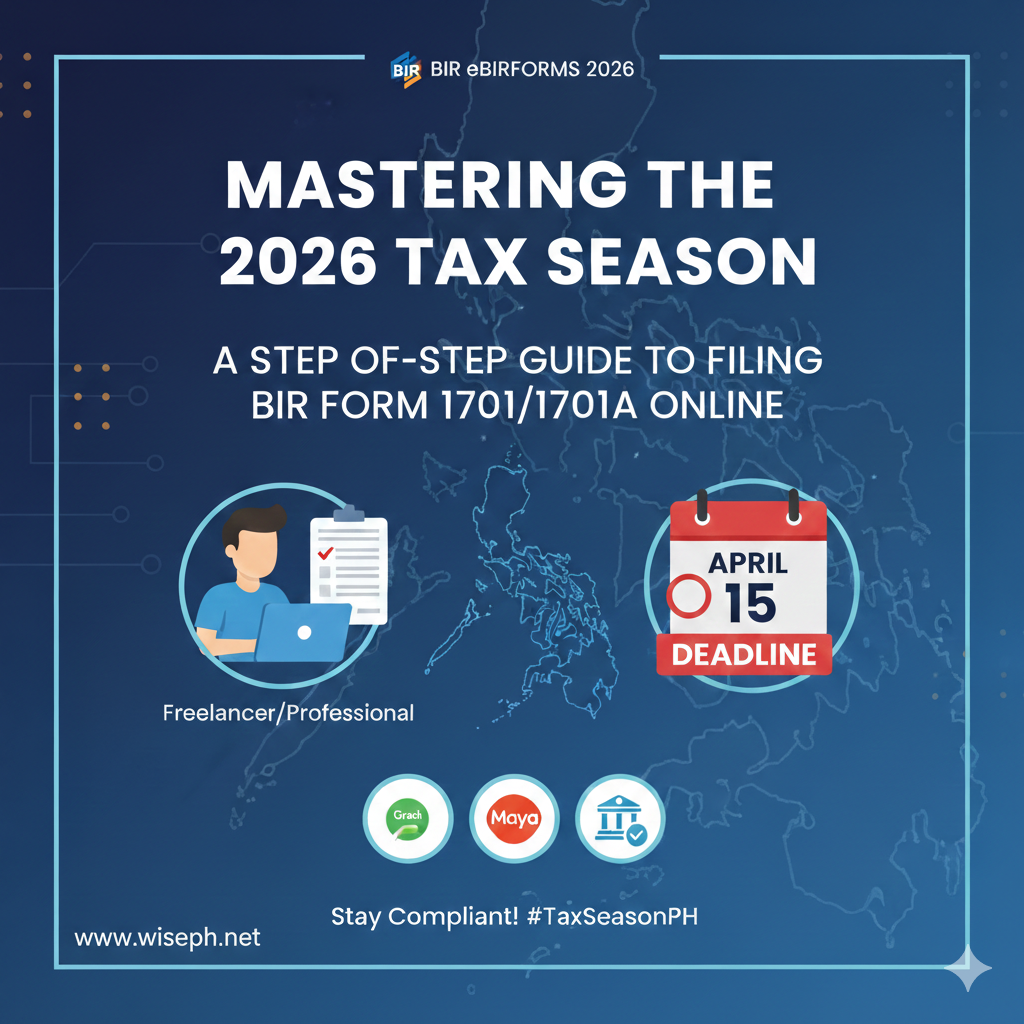
Pre-requisites: What You Need Before Starting
Before you open the software, ensure you have the following:
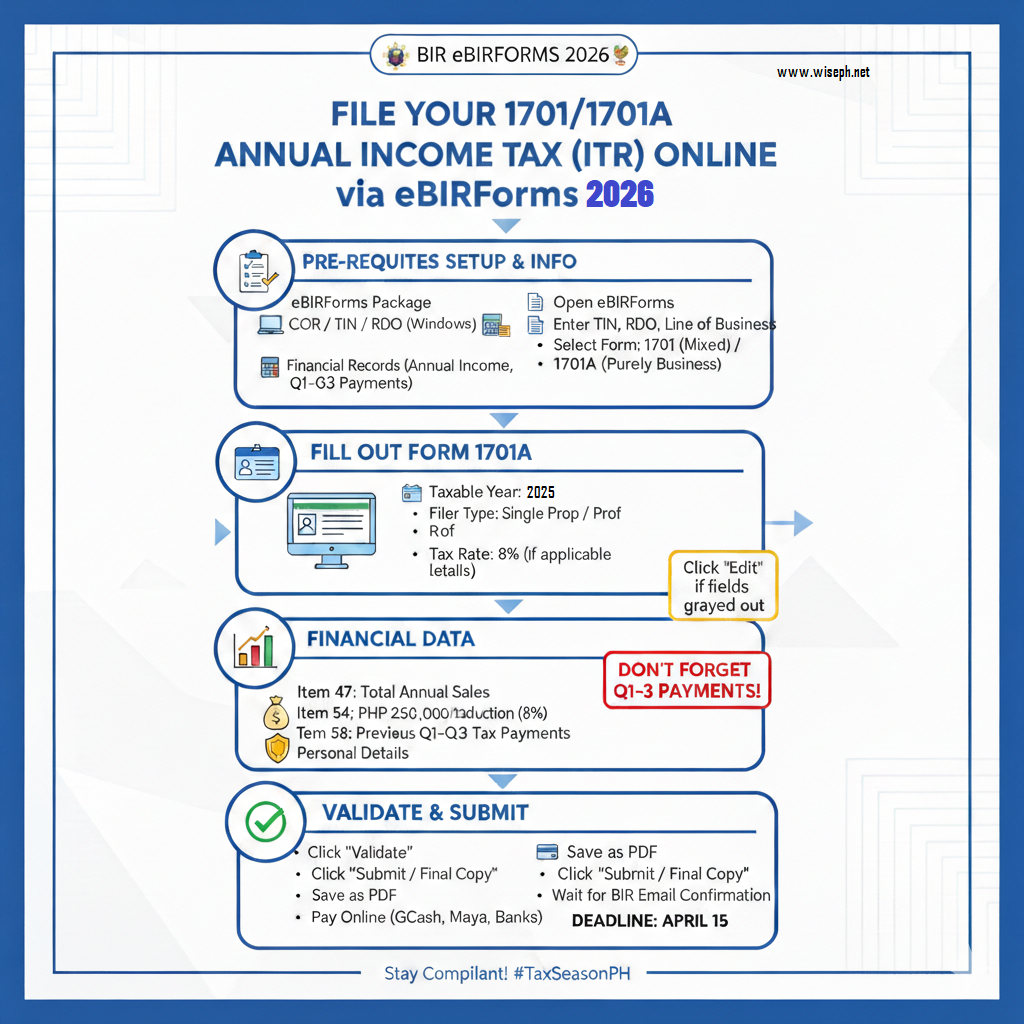
- eBIRForms Package: Download the latest version from the official BIR website. Note: This software is currently compatible with Windows PCs only and not yet available for Mac users.
- Certificate of Registration (COR): To copy your TIN, RDO code, and Line of Business.
- Financial Records: Your total sales/income for the entire taxable year and records of tax payments made in the previous three quarters.
Step 1: Setup and Basic Information
- Open eBIRForms: Once installed, launch the application.
- Enter Profile Details: Type in your TIN, RDO code, and the line of business as indicated in your COR.
- Select the Form: In the dropdown menu, look for:
- Form 1701: For Mixed Income Earners (e.g., you have a business/profession AND you are also an employee).
- Form 1701A: For individuals who are Purely in Business or Profession (e.g., full-time freelancers or sole proprietors).
Step 2: Filling Out Form 1701A (The Basics)
Once the form opens, some fields will be pre-filled based on your profile.
- Taxable Year: Set this to the year you are filing for (e.g., 2025 if filing in early 2026).
- Filer Type: Choose between “Single Proprietor” or “Professional”.
- Tax Rate: If you opted for the 8% Income Tax Rate, make sure to select this option. This will automatically update Item 19 in the form.
- Personal Details: Fill in your date of birth, citizenship, and civil status.
Step 3: Entering Financial Data
Click on the “Next” page or scroll down to the financial section. If fields are grayed out, click “Edit”.
- Total Sales (Item 47): Enter your gross sales or receipts for the entire year. Unlike quarterly filings, this must reflect your total annual income.
- Taxable Income Deduction (Item 54): If you are under the 8% tax rate, you are entitled to a PHP 250,000 deduction from your gross sales.
- Previous Tax Payments (Item 58): Crucially, enter the total amount of taxes you already paid during the first, second, and third quarters. Failing to include this will result in you paying for those quarters again.
Step 4: Validation and Submission
- Validate: Click the “Validate” button at the bottom. The system will check if you missed any required fields.
- Save: Always save a copy of your progress.
- Submit: Click “Submit / Final Copy.” You should receive a notification saying “Submit Successful”.
- Tip: If you encounter an error on the first try, simply try clicking submit again without restarting the whole process.
Step 5: Finalizing and Payment
- Save as PDF: After submitting, click the “Print” button but choose “Save as PDF” instead. Keep these files for your records.
- Wait for Confirmation: Do not pay immediately. Wait for the Tax Return Receipt Confirmation email from the BIR.
- Online Payment: Once you have the email, you can pay your tax due via:
- GCash
- Maya
- Authorized Agent Banks (AABs).
Conclusion
Filing your 1701 or 1701A via eBIRForms ensures that you remain compliant with Philippine tax laws while taking advantage of the simplified 8% tax rate if applicable. Always remember to file on or before the April 15 deadline to avoid penalties!
Get the latest, most relevant news, only on Wise News Philippines. Stay informed, stay ahead, and stay up-to-date with Wise News.