
Why your My.SSS contribution record matters more than your payslip
Your payslip proves your employer deducted SSS. It does not prove they paid SSS.
I found this out before I moved to Dubai. I was working at a clinic in Manila and logged into My.SSS to check my eligibility for an SSS salary loan. One month was completely blank. My payslip showed the deduction. My.SSS showed nothing. That single check saved me from finding out months later, when fixing it would have been far more complicated.
A missing posted contribution can block a loan application, lower your daily sickness benefit allowance, and permanently reduce your monthly pension at retirement. Catching it now costs nothing. Missing it during a benefit claim or loan application can cost tens of thousands of pesos and weeks of delays.
Simple: your payslip is just a receipt. My.SSS is the official record. Only one of those two documents actually matters to SSS.
How to access your SSS contribution history
You have two options: the My.SSS web portal or the official MySSS mobile app. Both pull from the same official records.
On the web portal
Go to the official SSS website and click “My.SSS” at the top of the page. Log in with your SSS number and password. Forgot your credentials or got locked out? Follow the My.SSS password reset guide before continuing.
Once inside, click “Inquiry” on the top menu and select “Contributions” from the dropdown. Your contribution table loads automatically. The key is knowing which tab to open next, because it depends on how you pay your contributions.
On the MySSS mobile app
Download the official MySSS app from Google Play or the Apple App Store. Log in using the same credentials you use on the website. Tap “Inquiry” or “Contributions” from the home screen. Your history loads right away in a clean, scrollable list.
The app is faster for quick checks, especially on mobile data abroad. For full column detail, PDF exports, or side-by-side tab comparison, use the desktop portal instead.
What each column in the contribution table actually means
The two columns that matter most are Date Posted and MSC. Date Posted confirms SSS received the money. MSC (Monthly Salary Credit) is the salary bracket that determines your loan limit, benefit amounts, and future monthly pension.
| Column | What it means |
|---|---|
| Period | The month and year the contribution covers |
| MSC (Monthly Salary Credit) | Your salary bracket, not the actual peso amount deducted |
| Contribution Amount | The peso amount SSS actually received and credited to your record |
| EC (Employee Compensation) | Small fixed amount covering work-related injury benefits |
| Date Posted | The date SSS officially credited this contribution to your account |
| Status | “Posted” means confirmed. “Not Posted” means SSS has not received it yet |
MSC and Contribution Amount are related but not the same number. MSC is the bracket; the contribution amount is the result of applying your contribution rate to that bracket. For the full breakdown on how these figures are computed, read the guide on how SSS contributions are calculated in 2026.
Employed vs. self-employed: the table looks different depending on your membership type
Most SSS guides show you the Monthly Contributions tab and stop there. If you’re self-employed, voluntary, or an OFW who pays your own contributions, that tab is not where your records live.
What employed members see
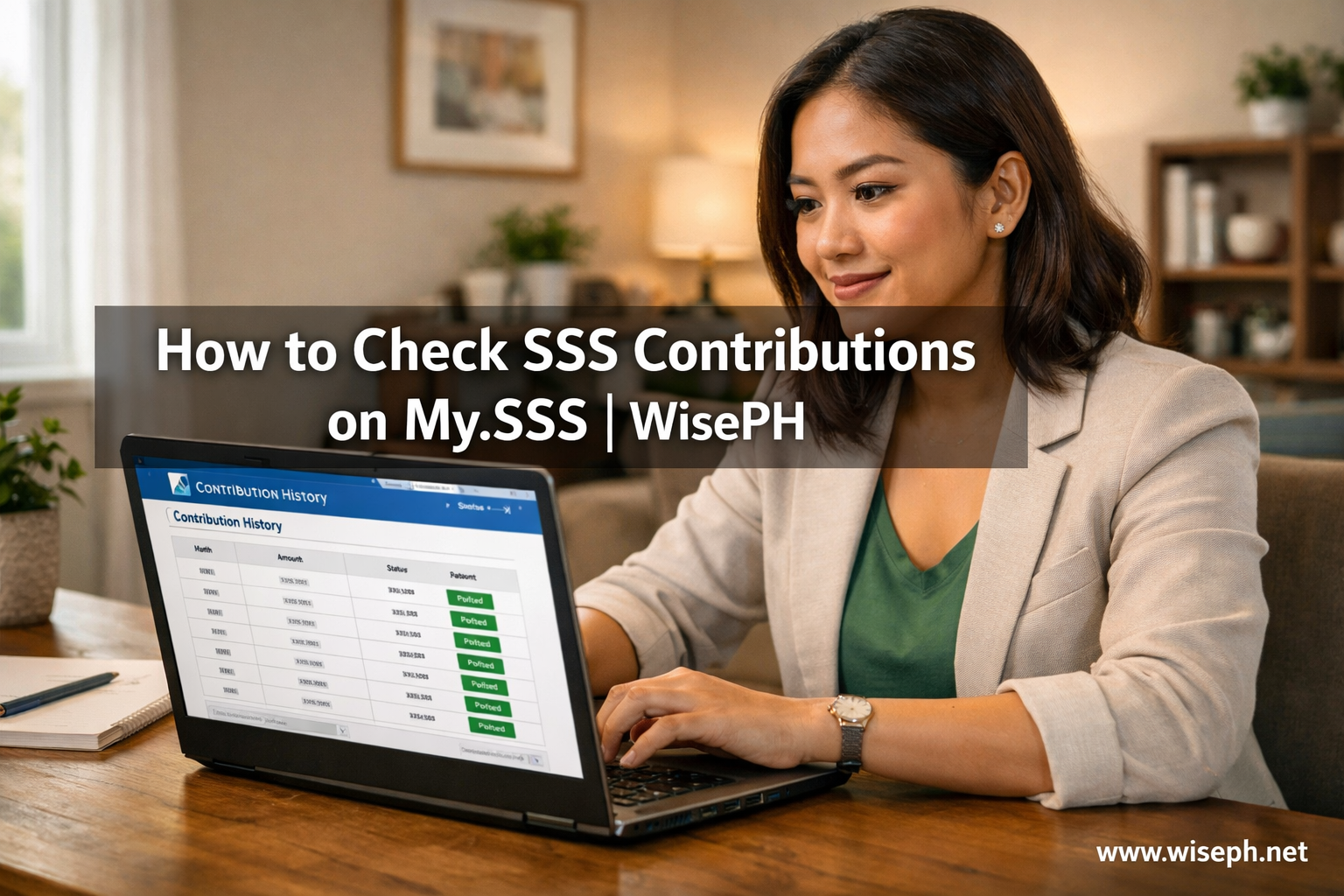
The Monthly Contributions tab is the default view for employees. It shows a month-by-month table with your employer’s name, the MSC applied, the posted contribution amount, and the Date Posted. Summary boxes at the top display your total posted months, total amount paid, and any visible gaps in the timeline.
Gaps here usually mean your employer has not remitted yet or you had a period between jobs.
What SE/VM members see
Go to the SE/VM Contributions tab instead. No employer name. You’ll see your membership type (Self-Employed or Voluntary) and a Payment Reference Number (PRN) column. The summary boxes also change: Number of Payments, Total SSS Payments, and sometimes a Total Medicare amount.
The “Applicable Period” column tells you which month or months a single payment covers. A quarterly payment may appear as one entry covering three months. Because you pay directly via PRN (GCash, Maya, 7-Eleven, or a remittance center abroad), contributions usually post within minutes to 24 hours. No waiting for an employer.
Switched membership types? Check both tabs
If you were previously employed and recently shifted to self-employed or voluntary status, your old records stay in the Monthly Contributions tab. New PRN payments appear only in the SE/VM tab. Both are real data.
My own My.SSS record looks exactly like this. The months I worked at a clinic in Manila sit in the Monthly Contributions tab. My current OFW voluntary payments from Dubai appear in the SE/VM tab. SSS sorts your history by how each contribution was paid, not by date alone.
How to check SSS contributions on the MySSS mobile app
The MySSS app shows the same official data as the web portal. The difference is presentation. Instead of separate tabs, the app puts everything in one clean filtered list. Your PRN payments and membership type still appear clearly labeled.
| Feature | Web portal | MySSS app |
|---|---|---|
| Full contribution history | Yes | Yes (recent years; scroll for older) |
| Separate tabs | Monthly + SE/VM tabs | Single filtered list |
| Column detail | Full breakdown visible | Tap each row to expand |
| PDF download | Yes | No |
| PRN payments labeled | Yes | Yes |
| Speed on mobile data | Slower | Faster |
Use the app for quick checks right after a PRN payment, especially when you’re checking from abroad and want confirmation fast. Switch to the web portal when you need a full PDF export for a loan application, benefit claim, or SSS branch visit.
OFW guide: how to access My.SSS from abroad
The main headache for OFWs is not the portal. It’s the SMS-OTP.
My.SSS requires multi-factor authentication. By default, it sends a 6-digit code to your registered Philippine mobile number. If that SIM is inactive, or you’ve switched to a foreign number without updating SSS, you’re stuck at the login screen even with the right password and username.
I set up TOTP (Time-based One-Time Password) the week I arrived in Dubai. My old Globe SIM stopped receiving codes reliably on roaming, and I nearly got locked out during a month when I needed to verify my contributions urgently. TOTP uses Google Authenticator to generate your login code directly on your phone, no SIM card needed, and it works anywhere in the world including offline.
How to set up TOTP before you leave the Philippines
- Log in to My.SSS on desktop while you can still receive one SMS OTP.
- Go to your account settings and click “Setup TOTP.”
- Download Google Authenticator on your phone.
- Scan the QR code shown on the My.SSS screen.
- Done. Every future login uses the 6-digit code from the app instead of SMS.
Already abroad and locked out? Email usssaptayo@sss.gov.ph with your SSS number, a scanned passport copy, and a note that you’re an OFW needing remote account recovery. Your nearest Philippine Embassy can also assist with notarized identity verification for SSS branch requests back home.
What to do when a contribution is missing
Wait until the 15th of the month following the missing period before doing anything. Employers have until the end of the following month to remit. SSS then takes 3 to 7 working days to post. A blank month inside that window is almost always a normal delay, not a problem.
Step 1: document everything first
Screenshot your My.SSS table showing the blank period. Gather your payslip for that same month showing the SSS deduction. Have your SSS number and a valid ID ready. This documentation is your evidence for every step that follows.
Step 2: contact HR first
Email HR with both attachments. Ask them to “remit the missing contribution(s) and update the R-3.” Keep the tone firm but professional. In most cases, HR confirms and files within 24 to 48 hours once they see you’re monitoring your own record. About 70 to 80 percent of gaps resolve here without needing to escalate.
Step 3: escalate if they don’t respond
If HR doesn’t act within a week, file a ticket on the official uSSSap Tayo portal. Create a free account, then submit under “Contribution Concerns” or “Missing Contributions / Employer Non-Remittance.” Upload your screenshots and payslip. You get a reference number right away. SSS sends a formal demand letter to your employer.
For cases involving 6 or more missing months, go directly to the SSS branch and ask for the Accounts Management Section (AMS). SSS may classify it as a potential violation of RA 11199, the Social Security Act of 2018.
Voluntary and OFW members: floating PRN payments
If you paid via PRN but the contribution is not showing after 48 hours, email PRNHelpLine@sss.gov.ph with your PRN receipt and SSS number. They typically resolve floating payments within a few business days, without a branch visit needed.
7 mistakes members make when reading their contribution table
- Panicking over a blank recent month. Wait until the 15th of the following month first. Nine out of ten blank months are normal posting delays, not missing payments.
- Confusing “paid” with “posted.” Your payslip proves a deduction happened. The Date Posted column confirms SSS received the money. Two separate events, sometimes weeks apart.
- Mixing up MSC and Contribution Amount. MSC is the salary bracket. The contribution amount is the peso result of applying your rate to that bracket. Related, but not the same number.
- Missing the SE/VM tab. Self-employed and voluntary members who don’t see familiar employer columns sometimes assume their records are broken. They just need to open the right tab.
- Thinking missed SE/VM months can be fixed retroactively. Once you’re self-employed or voluntary, a missed month stays blank permanently. SSS does not allow retroactive SE/VM payments. That gap lowers your Average Monthly Salary Credit forever.
- Expecting instant posting after a PRN payment. PRN contributions usually post within 24 hours, but up to 48 hours during peak periods. Refreshing every five minutes won’t speed it up.
- Only checking the last 12 months. SSS uses your full contribution history to compute your pension. Low-MSC months from ten years ago still drag your retirement income down today.
Use your contribution history to maximize your SSS pension
Most guides stop at “here’s how to view the table.” The table is also a planning tool. Every MSC you’ve ever declared feeds directly into your Average Monthly Salary Credit (AMSC), which is the single biggest factor in the SSS pension formula. A higher AMSC means a larger monthly pension at retirement.
The what-if: ₱15,000 vs ₱25,000 MSC
Here’s a scenario I walk through with readers who pay voluntary contributions. It’s also exactly my situation as an OFW. Say you’re 40 years old with 10 years already posted and 20 more years of contributions ahead. You retire with 30 total Credited Years of Service (CYS).
SSS uses this formula: ₱300 + (20% × AMSC) + (2% × AMSC × (CYS − 10))
| Option | Monthly MSC | Monthly contribution (15%) | Estimated monthly pension |
|---|---|---|---|
| Low | ₱15,000 | ₱2,250 | ₱9,300 |
| High | ₱25,000 | ₱3,750 | ₱15,300 |
The difference is ₱6,000 more every month for the rest of your retirement life. Over 20 years, that’s more than ₱1.4 million in additional income. The extra cost is only ₱1,500 more per month.
Open your SE/VM tab right now. If your MSC column shows ₱15,000 or lower, you’re locking in a smaller pension each month you don’t adjust it. Changing your declared MSC takes about two minutes the next time you generate a PRN. Run your own numbers using the SSS retirement pension calculator.
If you’re weighing SSS voluntary contributions against other programs, the SSS Pension Booster vs. Pag-IBIG MP2 comparison breaks down which works best depending on your goals and timeline.
Checking your contributions takes five minutes. Fixing a problem you ignored for six months takes weeks. Set a reminder to log in every payday and confirm the previous month posted correctly. For more step-by-step guides on SSS loans, benefits, and pension planning, browse the complete SSS guide collection on WisePH.
Frequently asked questions about checking SSS contributions
How long does it take for SSS contributions to post on My.SSS?
For employed members, contributions post within 3 to 7 working days after the employer remits, which can happen as late as the end of the following month. For SE/VM members paying via PRN, most post within minutes to 24 hours. Allow up to 48 hours during peak periods.
Why is my recent month showing “Not Posted” on My.SSS?
“Not Posted” means SSS has not yet received or credited the payment. For employed members, your employer likely has not remitted yet. Wait until the 15th of the following month. If it’s still blank, screenshot your payslip and My.SSS table, then contact HR in writing.
Can I check my SSS contributions without a My.SSS account?
No. Contribution history requires a My.SSS login. If you have not registered, go to sss.gov.ph and create an account. It takes about 10 minutes. Already registered but forgot your credentials? Use the My.SSS password reset option on the same portal.
What if I’m self-employed and forgot to pay SSS for one month?
That month stays blank permanently. SSS does not allow retroactive voluntary payments. The missed month lowers your Average Monthly Salary Credit, which reduces your future pension. Going forward, pay each month without gaps to protect your benefit eligibility and retirement income.
Can my employer find out I filed a complaint through uSSSap Tayo?
SSS handles complaints confidentially inside the portal. However, when SSS sends a formal demand letter to your employer, they will know a report was filed. This is intentional and part of the enforcement process under RA 11199. Filing is legal, protected, and the right step to take.