Why does My.SSS lock your account?
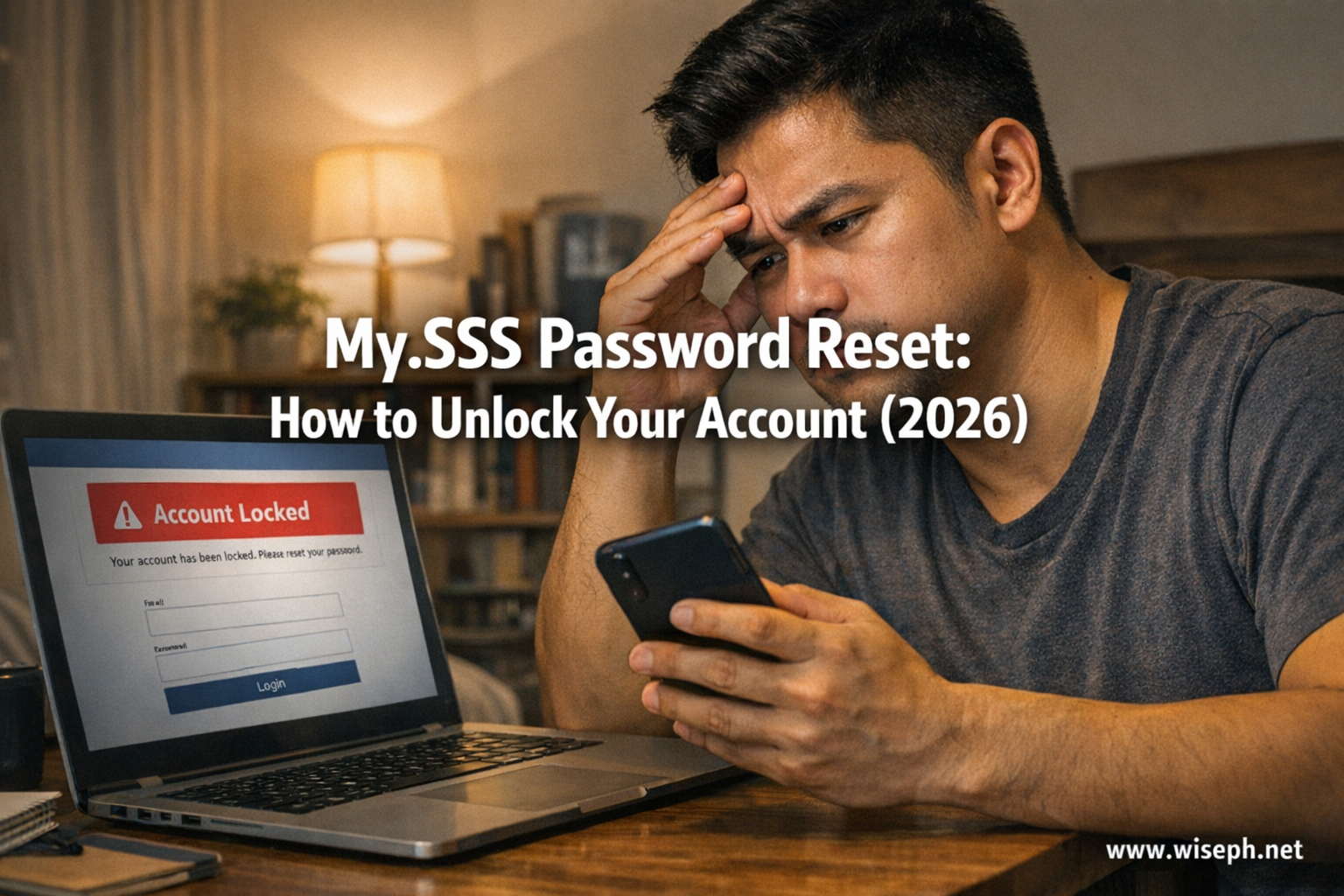
My.SSS locks after about 5 consecutive wrong login attempts. The type of error does not matter. Wrong password, wrong User ID, wrong OTP: any combination of failures in a row triggers it.
The account usually auto-unlocks after 24 hours if you stop trying. But most people don’t wait. If you have a loan application, a benefit check, or a deadline pending, a full day without access is not realistic. Go straight to the reset.
Two ways to recover your My.SSS account
The “Forgot User ID or Password” page on My.SSS gives you two options.
Option 1: Multi-Factor Authentication: SSS sends a reset link to your registered email address. This is the default path and works for most members.
Option 2: Security Questions: If you enrolled security questions when you first set up your account, you can answer them to verify your identity and reset your password without email access.
Security questions only work for members who configured them in advance. SSS does not let you set them up during a lockout; the system prompts you to enroll them at login, not in recovery. If you never set them up, this path is not available to you now.
How to reset your password using the email link
This is the fastest path for most members with an active registered email.
- Go to the My.SSS portal at sss.gov.ph and click “Forgot User ID or Password”
- Select “Multi-Factor Authentication” as your recovery method
- Enter your SS Number or CRN
- SSS sends a reset link to your registered email; check your inbox, then check spam if it does not arrive within a few minutes
- Click the reset link immediately; links expire, so do not save it for later
- Enter your new password following the rules (listed below), confirm it, and submit
- Log in using your new password
I got my reset email in a few minutes, but I almost missed it in spam. Check spam first if it is not in your inbox right away.
How to recover using security questions
If you enrolled security questions when setting up your My.SSS account, you can answer them to reset your password without needing your email or mobile number. Security questions become the more reliable path when your contact details have lapsed.
The condition is strict: you must have configured the questions before the lockout. SSS does not allow you to set up security questions during the recovery process. If you never enrolled them, this option simply does not appear as a usable path for you.
Password reset worked, but login is still blocked
Most articles stop here. This is the part that actually trips people up.
Resetting your password through the email link completes successfully. Then you try to log in. My.SSS sends an OTP to your registered Philippine mobile number via SMS. If that SIM is back home and inactive, if you switched numbers and never updated SSS, or if you are overseas without roaming: the OTP never arrives. The reset worked. Login is still blocked.
There is an alternative: TOTP via an authenticator app like Google Authenticator. Instead of waiting for an SMS, the app generates a one-time code directly on your phone, no signal required. SSS supports this as an alternative to SMS-OTP.
The catch: you must activate TOTP inside My.SSS before the lockout. You cannot enable it after the fact without logging in first.
What to do if your registered email is outdated
If you no longer have access to the email address SSS has on file, the email reset path is blocked. Your two remaining options:
- Security questions: use this path if you enrolled them when you set up your account
- SSS branch or E-Center: bring two valid government IDs. The Member Services Representative can assist with manual account recovery and issue temporary credentials for the reset.
You cannot update your email address unless you are already logged in. No shortcut exists: if your email has lapsed and you never set up security questions, the branch is the only path.
What to do if your mobile number is outdated
An outdated mobile number does not block the password reset itself. The email reset link still works. The problem surfaces at login, when My.SSS sends an OTP to the old, inactive number.
Your options, in order of practicality:
- If you pre-enabled TOTP: log in using the authenticator app code instead of SMS
- If you can still access your account somehow: go to Member Info, then Update Contact Info, and change your mobile number
- If you are fully blocked: visit any SSS branch with a Member Data Change Request (E-4 form) and valid IDs to update your mobile number manually. After SSS updates the record, you can receive OTPs to the new number.
Keeping your SSS contact details current is the same habit as maintaining your SSS number consolidation: a small admin task now prevents a major headache later. Access to My.SSS is what lets you check contributions, file the SSS Salary Loan or SSS Calamity Loan, and track the SSS death benefit claim status for your family.
OFW reality: resetting from abroad
The email reset link works from anywhere. Dubai, Qatar, Singapore: location does not block the reset itself.
What breaks for OFWs is the login step after. My.SSS sends the OTP to your registered Philippine mobile number. If that SIM is back home and inactive, if you switched numbers abroad and never updated SSS, or if you are not receiving Philippine SMS, the OTP never arrives.
This is the exact wall I’ve seen coworkers hit. Reset done. OTP blocked. “Na-reset ko password, pero stuck pa rin sa OTP, kasi PH number ko nawala na.”
The one fix most OFWs don’t know about: TOTP via Google Authenticator generates a login code offline on your phone. No SIM, no signal, no roaming fees. It works from anywhere. But only if you activated it inside My.SSS before losing access.
For OFWs who are fully locked out with no working Philippine number and no TOTP set up:
- Option A: Authorize a family member or trusted representative in the Philippines to visit an SSS branch with your authorization letter and both their ID and yours
- Option B: Handle it in person on your next visit home
- Option C: Email SSS support; possible, but response times vary
The only prevention that actually works: set up TOTP now, today, before you need it. For more on why staying on top of your SSS account matters, read our guide on why SSS matters.
Password rules for your new My.SSS password
Most failed resets at the final step happen because the new password breaks one of these rules without the member realizing it.
| Rule | Requirement |
|---|---|
| Length | 8 to 20 characters |
| First character | Must be a letter, not a number |
| Characters allowed | Letters and numbers only |
| Special characters | Not allowed (no @, #, !, etc.) |
| Match condition | Cannot be the same as your User ID |
| Confirmation | Must enter the password twice, both fields matching |
My.SSS rejects any password that starts with a number, contains a symbol, or accidentally matches your User ID, even after a successful email verification.
Don’t have a My.SSS account yet?
This guide is for existing My.SSS members who are locked out or forgot their credentials.
If you have an SSS number but have never registered online, that is a separate process. Use the “Create now” link on the My.SSS login page, or visit any SSS branch or E-Center for help with the initial setup. Once registered, come back here to learn how to keep your account accessible. Our guide on how SSS contributions are computed is a good starting point for getting the most out of your My.SSS account. And if your My.SSS access also connects to your MySSS RCBC DiskarTech card, keeping your login current matters even more.
Your My.SSS account is the gateway to every SSS benefit: from contribution checks to loan applications to tracking your SSS death benefit claims. Explore all your options in our full SSS benefits and contributions guide.
Frequently asked questions
How many wrong attempts lock a My.SSS account?
About 5 consecutive wrong login attempts. Wrong password, wrong User ID, or wrong OTP: any combination counts. The account typically auto-unlocks after 24 hours, but going straight to the reset is faster and safer than waiting.
I reset my My.SSS password but still cannot log in. What is happening?
The reset and the login are separate steps. After resetting, My.SSS sends an OTP via SMS to your registered Philippine number. If that SIM is inactive or the number is outdated, the OTP never arrives. Fix it with TOTP (if pre-enabled) or visit an SSS branch to update your number with the E-4 form.
Can I reset my My.SSS password without access to my registered email?
Yes, if you enrolled security questions in advance. They work without email or mobile access. No security questions and no email access means a branch visit is required.
Can OFWs reset their My.SSS password from abroad?
The email reset works from any location. The challenge is the OTP at login, which goes to your Philippine mobile number. If that SIM is inactive abroad, set up TOTP via Google Authenticator before you travel. Once you are locked out without TOTP, the branch (or authorizing a representative in the Philippines) is the only fix.
What are the password rules for a new My.SSS password?
8 to 20 characters, starting with a letter, letters and numbers only (no symbols), cannot match your User ID, and must be entered twice to confirm. A password rejected at the final step usually violates one of these five rules.