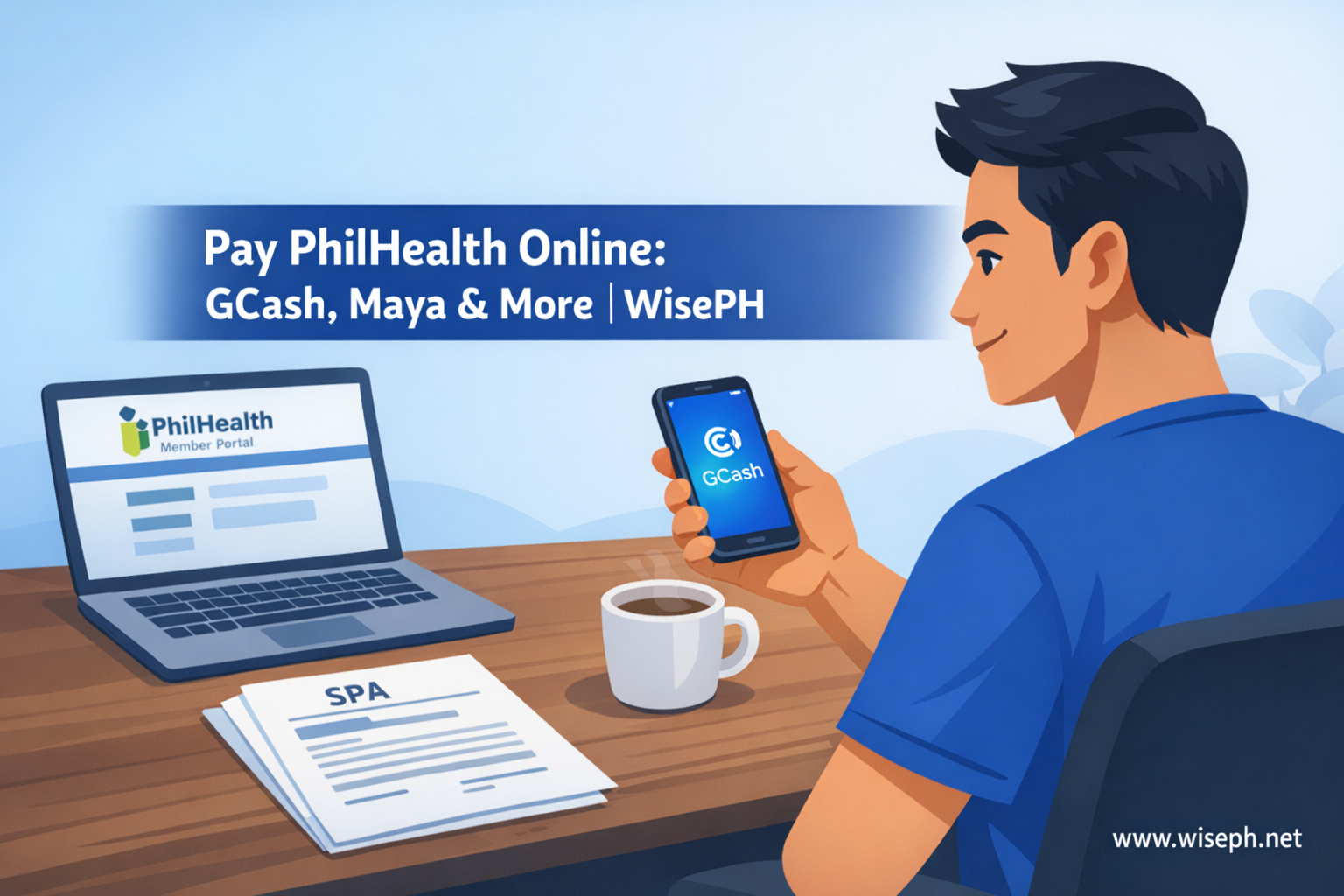
There are several ways to pay PhilHealth contributions online in 2026, but they all start with the same step: generating your SPA (Statement of Premium Account) first. Without it, no payment channel will correctly post your contribution. Once you have the SPA reference number, the actual payment takes under a minute on most apps.
This guide covers every channel you can use to pay PhilHealth contributions online, how each one works, what fees to expect, and the one mistake that causes almost every posting problem.
If you haven’t generated your SPA yet, read our guide on how to generate your PhilHealth SPA for payment before continuing. And if you still need to set up your portal account, start with how to register for PhilHealth online.
What you need before you pay
You only need one thing before paying: a valid SPA with the correct reference number for the period you’re covering. That’s it. The SPA locks in your coverage period, your contribution amount, and your member details. Without it, even a successful GCash or bank transaction may float unreconciled for weeks.
Go to spagen.philhealth.gov.ph or the PhilHealth Member Portal to generate one. Screenshot the QR code and copy the reference number before opening any payment app.
Where to pay PhilHealth contributions online
All four major online channels work for paying PhilHealth contributions. The difference is speed, fee, and how smoothly the posting goes through.
| Channel | Convenience fee | Posting time | Best for |
|---|---|---|---|
| GCash | Around ₱7 to ₱15 | 1 to 3 working days | Fastest, most straightforward |
| Maya | Around ₱7 to ₱15 | 1 to 3 working days | Good alternative to GCash |
| Bank app (BDO, BPI, UnionBank) | Around ₱5 to ₱15 (varies) | 1 to 2 working days | If funds are already in your bank |
| Bayad Center app/website | Around ₱15 | 2 to 5 working days | Alternative if e-wallets unavailable |
How to pay via GCash
GCash is the most convenient way to pay PhilHealth contributions online. The whole process takes under a minute once you have your SPA reference.
- Open GCash and tap Pay Bills
- Search for PhilHealth under Government
- Enter your SPA/PRN reference number exactly as it appears
- Enter the exact amount shown on your SPA
- Confirm and save your receipt
I use GCash for my own PhilHealth payments because it’s already part of my daily routine. The confirmation comes instantly inside the app, so at least you know the transaction processed on your end. Posting to your PhilHealth record still takes a few days, but the receipt is your safety net if anything doesn’t reflect.
The convenience fee runs around ₱7 to ₱15 per transaction. You can also pay multiple months at once if your SPA was generated for a longer period. The app doesn’t limit the amount; only your SPA does.
How to pay via bank app
Bank apps like BDO, BPI, and UnionBank also support PhilHealth bills payment. The process is similar to GCash but feels more manual. If your salary lands directly in your bank, this avoids a cash-in step.
- Log in to your bank app and go to Bills Payment
- Search for or select PhilHealth
- Enter your SPA/PRN reference number and exact amount
- Review carefully, then confirm
- Save the confirmation reference or take a screenshot
Bank payments typically post in 1 to 2 working days, which is actually slightly faster than GCash in some cases. The main drawback is the interface: most bank apps are stricter with reference number entry and give less instant feedback than e-wallets. One wrong digit in the PRN and the payment can mispost. Double-check before confirming.
How long does payment take to post?
None of the online channels post instantly. After you pay PhilHealth contributions online, here’s the realistic timeline to expect per channel.
After paying, the only reliable way to confirm your contribution posted is to check your record in the PhilHealth Member Portal. A GCash or bank receipt confirms your transaction went through, but it does not confirm PhilHealth has applied it to your record. Those are two different things.
For a full guide on reading your contribution history and downloading your eSOA, see our post on how to check your PhilHealth contributions online.
The one rule that prevents almost every payment problem
Almost every issue people run into when paying PhilHealth contributions online (unposted payments, wrong coverage period, partial credits) comes from one thing: using an old or incorrect SPA reference. The payment goes through on the app, but PhilHealth cannot match it to your record.
Fixing it is simple: generate a fresh SPA every time you pay and copy the reference number exactly. Do not reuse old references. Do not type the number from memory. Your SPA defines the period and amount; no payment app can override that. If the SPA is correct, every major channel works reliably. If it is wrong, no channel can fix it afterward without a manual reconciliation request at a PhilHealth branch.
For all our PhilHealth guides covering contributions, registration, and benefits, browse the PhilHealth section on WisePH.
Frequently asked questions
Where can I pay PhilHealth contributions online?
You can pay via GCash, Maya, bank apps (BDO, BPI, UnionBank), or the Bayad Center app. All require your SPA reference number first. GCash is the most convenient for most members.
Does GCash charge a fee for PhilHealth payment?
Yes, around ₱7 to ₱15 per transaction. Maya and bank apps charge similar fees. Bayad Center charges around ₱15. There is no completely free online channel at this time.
How long does GCash PhilHealth payment take to post?
Typically 1 to 3 working days. Bank apps may post in 1 to 2 days. Bayad Center takes 2 to 5 days. If nothing appears after 7 working days, contact PhilHealth with your receipt and SPA reference number.
Can I pay multiple months of PhilHealth in one transaction?
Yes, if your SPA covers multiple months. Select quarterly, semi-annual, or annual coverage when generating the SPA. The payment app accepts the full amount in one go. You cannot combine periods manually inside the payment app.
What if my PhilHealth payment did not post after a week?
Contact PhilHealth with your receipt and SPA reference. Email members.inquiry@philhealth.gov.ph, call (02) 8662-2588, or visit your nearest LHIO. Most unposted payments trace back to an incorrect or reused SPA reference number.