


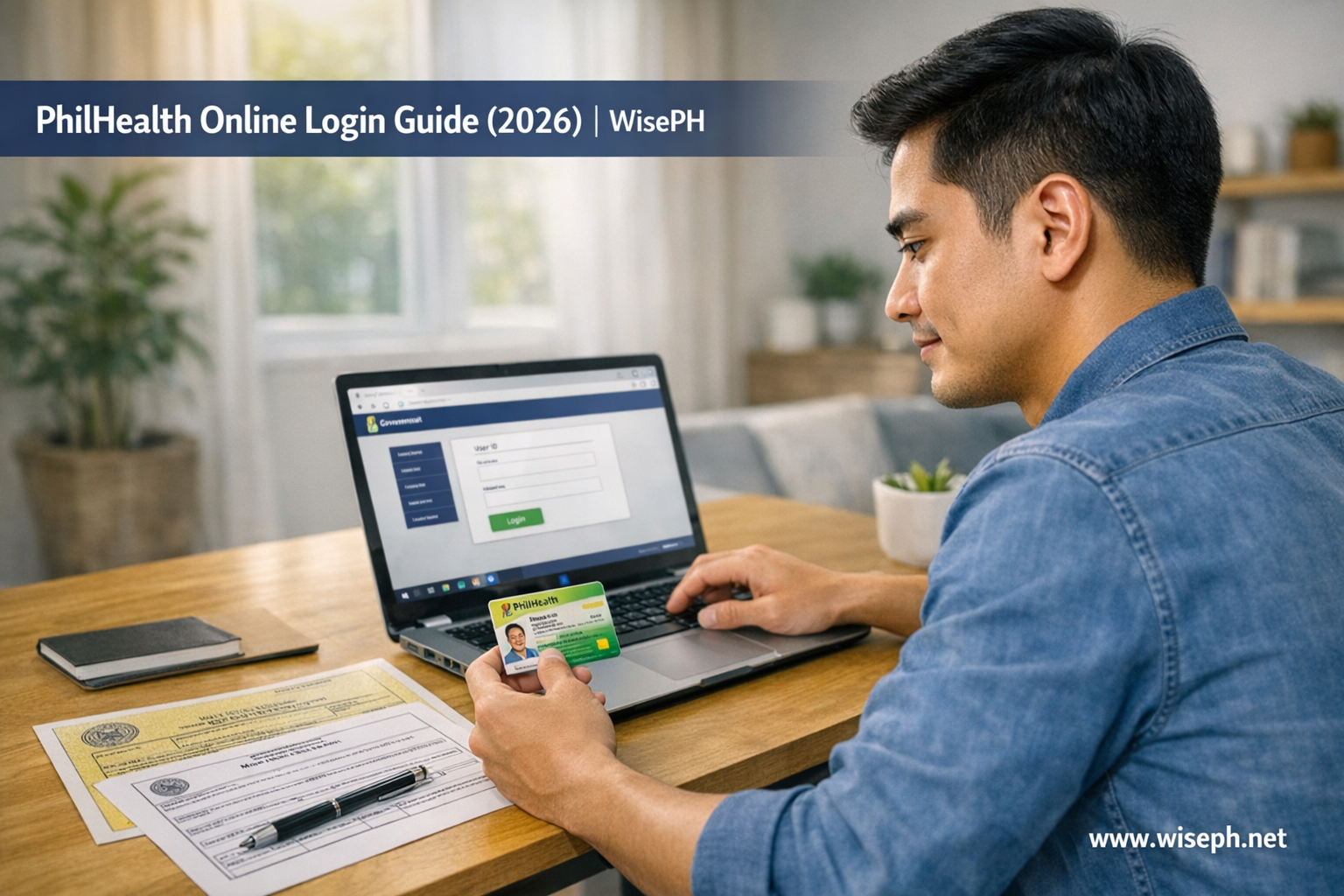
Most guides on PhilHealth online login send you to the wrong URL or skip the step that trips up the most people: you need a separate portal account before you can log in. Your PhilHealth number and your Member Portal account are two different things.
This post covers exactly where to go, what to do after login, the 2026 SPA requirement, and how to fix the most common login errors. Fast.
Where to go for the PhilHealth online login
The official PhilHealth Member Portal login is at memberinquiry.philhealth.gov.ph/member. Bookmark this URL. Only use the official .gov.ph address. PhilHealth has warned that fake sites mimic the portal to steal credentials.
Once you land on the page, you’ll see three options:
- Log In: for existing portal accounts
- Create Account: for members who have a PIN but never set up portal access
- PIN Application: for brand-new members with no PhilHealth number yet
Most people need “Log In.” But if the system says your account doesn’t exist, you need “Create Account,” not a branch visit. More on this below.
How to log in to PhilHealth online: step by step
Go to the Member Portal, enter your PIN and password, and you’re in. The PhilHealth online login itself takes under a minute if your account is set up correctly.
- Go to memberinquiry.philhealth.gov.ph/member
- Click Log In
- Enter your 12-digit PhilHealth Identification Number (PIN)
- Enter your password
- Click the login button
- If prompted for an OTP, check your registered email (including spam)
If the page loads slowly, try early morning or after 9 PM. The portal slows down noticeably during peak hours, and this is a known system limitation as of 2026.
First time logging in? Create your account first
Having a PhilHealth number does not mean you have a portal login. If you’ve never accessed the Member Portal before, click “Create Account,” not “Log In.” You’ll need your PIN, personal details, and a working email to complete the setup.
This is the most common source of confusion. Thousands of Filipinos have a PhilHealth number from their employer or from a previous registration, but they’ve never activated online access. The record exists; the portal account doesn’t.
How to create your portal account
- Click Create Account on the Member Portal homepage
- Enter your PIN and personal details
- Set a password and link a working email address
- Verify via the confirmation email sent to your inbox
Once the account is created, use PhilHealth online login normally from that point forward. If you don’t have a PIN yet, you need to register first. Our full guide on how to register for PhilHealth online covers the process for self-employed workers, freelancers, and OFWs.
What you can do after logging in
After a successful PhilHealth online login, you can check contributions, download your MDR, and generate an SPA. The portal is a verification and download tool; it does not accept payments directly.
These are the three tasks most members do right after login:
For the contribution check, look at the table under the Contributions tab. Posted payments with no gaps in recent months mean you’re active and eligible to use benefits. That’s the quick test most members use before a hospital visit.
For the MDR, go to Member Records and download a PDF. Keep a printed copy at home. Hospitals, HR departments, and some government offices ask for it regularly.
How to generate your SPA in 2026 (required before paying)
As of April 1, 2026, all self-employed, voluntary, and OFW members must generate a Statement of Premium Account (SPA) inside the portal before any payment. GCash and partner banks will reject contributions without an SPA reference number.
Here’s how to do it after your PhilHealth login:
- Go to Payment Management
- Click Generate SPA
- Select the months you want to pay
- Confirm the computed premium amount
- Save or note the SPA reference number
- Use that reference number when paying via GCash, online banking, or a bayad center
The SPA tells the payment channel exactly what amount to collect and for which period. Without it, your payment has no reference and may not post to your account, or it gets rejected outright. Generate the SPA first, then pay.
Common PhilHealth login problems and how to fix them
Most PhilHealth online login issues fall into three categories: forgotten passwords, “account not found” errors, and portal outages. Each has a fix that doesn’t require a branch visit, unless your registered email is no longer active.
The “account not found” trap
This is the most misunderstood login error. Many members see “account not found,” assume their PhilHealth records are missing, and head to a branch. In most cases, the records are fine. They just never created portal access. The fix is clicking “Create Account,” not standing in a queue.
What the portal cannot do
Before you log in expecting a complete digital experience, here’s what the PhilHealth Member Portal still cannot do as of 2026:
- Accept contribution payments directly (you still pay via GCash, banks, or bayad centers)
- Show real-time payment posting (it can take days to reflect after you pay)
- Track claims status with any clarity
- Update all personal details online (some changes still require a branch visit)
The portal handles checking and downloading well. For everything else, you still need external payment channels, and sometimes an actual PhilHealth office. That’s not a bug; it’s just where the system is right now.
If you’re also keeping up with SSS and Pag-IBIG alongside your PhilHealth contributions, this breakdown of why SSS is important explains the full picture of what each mandatory contribution actually covers. And for more guides on managing your government benefits, browse our government savings and investments section.
Frequently asked questions
What is the URL for the PhilHealth online login?
The official PhilHealth login page is at memberinquiry.philhealth.gov.ph/member. Only use the official .gov.ph address. PhilHealth has warned that fake sites may mimic the portal to steal your credentials.
Can I check my contributions without logging in?
No. Contribution history is only visible after a successful PhilHealth online login. You need your 12-digit PIN and portal password to access your records.
My PhilHealth login is not working. What do I do?
Check whether you’ve ever created a portal account. No account yet? Click “Create Account,” because your PIN alone won’t log you in. For a forgotten password, use “Forgot Password” and reset via email. When the registered email is no longer active, a PhilHealth branch visit is the only option for a manual reset.
How do I know if my PhilHealth account is active?
After login, go to the Contributions tab. If your recent months are posted with no gaps, your account is active and your benefits are available. Missing months can affect your ability to use PhilHealth at a hospital.







Comments 2