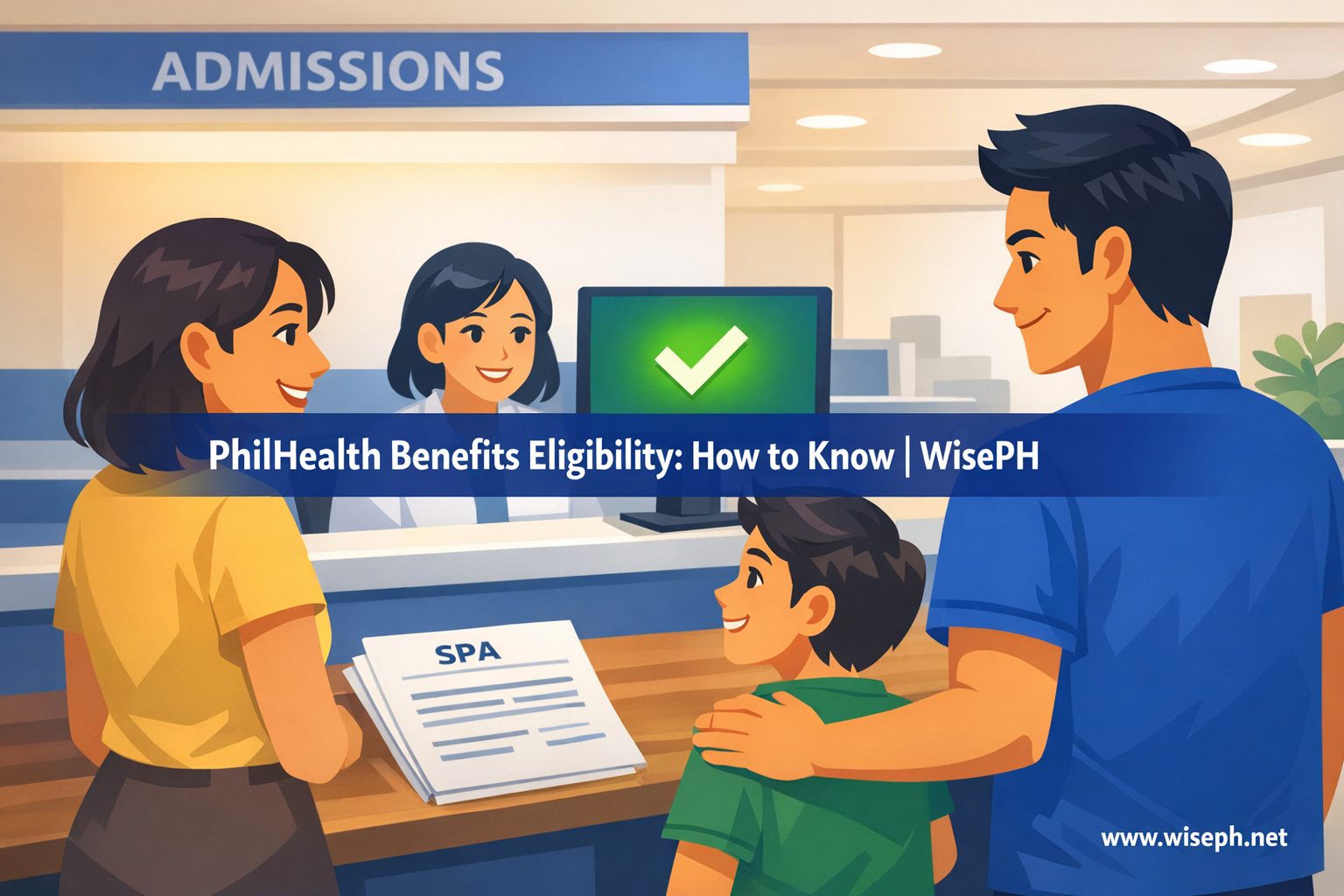
Most people only think about PhilHealth eligibility when they are already at the hospital admissions desk. By that point, fixing a problem is nearly impossible. The bill is there. The family is panicking. And the billing staff is telling you that something in your record does not match.
The honest answer to “Am I eligible for PhilHealth benefits?” is not just “yes, I’m registered.” Eligibility works differently from what most guides explain. It is a timing problem tied to your recent contribution history, not a permanent status you hold just by being a member.
This guide covers what eligibility actually means and how it works for different membership types. It also includes the one check you can do right now to confirm your coverage before you ever need it.
What “eligible for PhilHealth benefits” actually means
Being eligible for PhilHealth hospitalization benefits means three things are true at the same time. Your membership is active, you have met the recent contribution requirement, and your personal data in the system is accurate. All three need to be in place at the time of admission.
Registration alone does not make you eligible. You also need recent, posted contributions and a clean record. A member who has paid for years can still be temporarily ineligible. Recent payments might be missing, or the system might show outdated information.
The three things that must all be true
- Active membership status: your account is not lapsed, suspended, or under an unresolved classification issue
- Contribution window met: typically 9 months paid within the last 12 months before hospitalization
- Correct data on file: your name, PhilHealth number, and birthdate match your valid ID, and your dependents are properly declared
If any one of these three conditions is missing, the hospital may reduce your coverage, ask you to settle first, or flag the claim for manual review after discharge.
The contribution rule most members don’t know about
PhilHealth generally requires at least 9 months of paid contributions within the 12-month period before hospitalization. This is the contribution window, and it is what hospitals check when they verify your eligibility in the system.
Most guides skip this entirely. They say “be active” or “be registered,” but they leave out the specific recent-payment requirement. In practice, a member can have years of contribution history and still fall short. If recent months are not posted when the hospital checks, that gap affects coverage.
What “posted” means and why timing matters
A contribution only counts once it has posted in PhilHealth’s records. Payments made through GCash, Maya, or a bank app typically take 1 to 5 business days to reflect in the system. Payments posted through the SPA system generally appear faster, but there is still a processing delay.
If you paid this week and the hospital runs an eligibility check today, that recent payment may not appear yet. This is why checking your PhilHealth contributions online a few weeks before any planned admission matters. It is a practical habit, not just a suggestion. Catching a gap early gives you time to pay and wait for posting before it matters.
Does eligibility work the same for every membership type?
The core rule is the same across all membership types. However, the way you stay eligible depends entirely on who is responsible for keeping your contributions current. That responsibility shifts significantly based on your membership classification.
| Membership type | Who keeps you active | Common risk |
|---|---|---|
| Employed | Employer remits monthly | Missed remittances or resignation gap |
| Voluntary / self-paying | You manage payments | Missed SPA or delayed payment |
| OFW | You manage (often annual) | Lapse while abroad |
| Indigent | Local government | Removal from sponsored list |
| Senior citizen | Covered by law | Data mismatch in system |
| PWD | Gov-sponsored program | Enrollment not updated |
Where employed members run into trouble
Employed members usually have the smoothest coverage because the employer handles remittances. Problems appear when an employer misses months without the employee noticing. A resignation gap or a stalled transition to voluntary status can also break coverage.
If you recently changed jobs or left employment, verify your current classification in the PhilHealth Member Portal and confirm that contributions still post on time.
Why voluntary and OFW members face the most risk
Voluntary members and OFWs carry the full responsibility themselves. There is no employer monitoring the gap. A missed SPA or a delayed payment can quietly break eligibility. PhilHealth sends no warning. The system will not notify you. You will only find out when the hospital checks your record during an admission.
For OFWs especially, annual payment cycles are convenient but risky. If the annual payment lapses by even a few months, coverage can drop at exactly the time family members at home might need it.
Automatic coverage: seniors, indigents, and PWDs
Some members qualify for coverage without personally paying contributions. Local government units enroll indigent members and pay their premiums. Philippine law covers senior citizens once they reach the qualifying age. Government-sponsored programs include many PWDs, depending on their enrollment status.
In practice, however, automatic coverage does not guarantee smooth processing at the hospital. The billing desk still verifies your status in the PhilHealth database. If your record has outdated or misspelled entries, or shows a lapsed status despite your entitlement, the staff may still flag it at admission.
For seniors and indigents, the most common issue is a data mismatch or an enrollment record nobody updated after a transfer or change in LGU. If you fall into one of these categories, confirm your record is accurate before any planned hospitalization, even if you believe coverage is automatic.
How to check your PhilHealth eligibility right now
The fastest and most reliable way is the PhilHealth Member Portal. Log in, check your membership status, and review your recent contribution record. If both show active and updated contributions within the last several months, you are generally in good standing.
Checking your status in the Member Portal
- Log in at memberinquiry.philhealth.gov.ph/member
- Check your membership status (should show “Active”)
- Open your contribution record and confirm recent months are posted
- Verify your personal details match your valid ID exactly
- Confirm your dependents are listed if they will be using the benefit
If you have not logged in before or have trouble accessing the portal, the PhilHealth Member Portal login guide walks you through the full process, including PIN recovery.
Other ways to verify
Some hospitals can run a quick eligibility pre-check even before admission, giving a near real-time view of your coverage status. This is not widely advertised, but billing staff at most accredited hospitals can do it on request.
Alternatively, you can visit a PhilHealth Local Health Insurance Office (LHIO) branch for a manual verification. This is slower, but useful if your record has unresolved issues, such as a transition from employed to voluntary that was not processed correctly.
What happens when you use PhilHealth at the hospital
The process starts at the billing or admissions desk, not at a separate PhilHealth office. Most members expect a separate PhilHealth window. There is none. The hospital handles everything directly with PhilHealth’s system.
The admissions process, step by step
- Give your PhilHealth number, full name, and membership type to the admissions staff
- The hospital verifies your eligibility in the PhilHealth system (this happens on their end)
- Submit supporting documents if requested: valid ID, marriage or birth certificate for dependents, Member Data Record form
- If eligible, PhilHealth applies a fixed case rate amount to your hospital bill based on your diagnosis
- You settle the remaining balance through cash, HMO, or any other coverage you have
The case rate system is worth understanding clearly. PhilHealth does not cover a percentage of your bill. It covers a fixed peso amount tied to your diagnosis code. The hospital deducts that amount, and whatever remains is your responsibility. If your total charges are lower than the case rate, the benefit covers everything. If your charges are higher, you pay the difference.
Covering your dependents: what needs to happen first
Dependents are covered under your PhilHealth membership, but only if you formally declare them in the system before hospitalization. The relationship itself (spouse, child, parent) is not enough. If your dependent is not in your PhilHealth record, the hospital cannot apply coverage automatically during billing.
Who counts as a qualified dependent
- Legal spouse, as long as your records reflect the marriage and the status is current
- Legitimate, illegitimate, or legally adopted children up to the applicable age limit, unless incapacitated
- Parents or adoptive parents who do not have their own independent PhilHealth membership
Common mistakes members make with dependents
The most common mistake is assuming the relationship is automatically recognized. Many members only find out a dependent is not enrolled when the hospital flags it at admission. At that point, the hospital cannot update your Member Data Record (PMRF) on your behalf in real time.
The second most common issue is outdated data. This includes a spouse still listed under a maiden name, a child’s birthdate entered incorrectly, or a record nobody updated when the member switched membership type. These mismatches cause verification delays at billing. Coverage is not necessarily denied, but the family often ends up settling first and requesting reimbursement afterward.
To update your PhilHealth membership details, submit an updated PMRF through the Member Portal or visit a branch directly.
Why claims get reduced or denied
Most PhilHealth issues at the hospital are not outright denials. They are reductions or delays caused by something in the member’s record not matching what the system expects at billing. Here are the situations that come up most often in practice.
- Contribution window not met: active member, but not enough recent months posted before admission
- Data mismatch: name, PhilHealth number, or birthdate differs between the record and the ID presented
- Dependent not declared: patient is a family member but not listed under your Member Data Record
- Missing documents: incomplete discharge summary, missing Member Data Record form, or unsigned paperwork at billing
- Benefit limit reached: some case rates have limits on how often they apply within a given period
- Status transition gap: moved from employed to voluntary but contributions lapsed during the switch
Almost all of these are preventable. Checking your status in the Member Portal a few weeks before any planned admission catches most issues while there is still time to fix them. For emergency admissions, the hospital billing staff can often flag the issue and guide you through the correction before discharge.
For a complete guide on staying current with your contributions, see how to check your PhilHealth contributions online and verify your recent posting history.
Browse all our guides on contributions, registration, SPA generation, and benefits in the PhilHealth section on WisePH.
Frequently asked questions
How many months of PhilHealth contributions do I need to be eligible for benefits?
Generally, PhilHealth requires at least 9 months of contributions paid within the 12-month period before hospitalization. This is the contribution window. It is not enough to have paid at some point in the past; the payments need to be recent and posted in the system at the time of admission.
Can I use PhilHealth if my employer has not been remitting contributions?
If your employer has missed remittances, your eligibility may be affected even though you did not cause the gap. Some hospitals still process the claim and flag the employer non-remittance for resolution later. You can file a complaint with PhilHealth against a non-remitting employer and request that your coverage be reinstated. Check your contribution record in the Member Portal to see which months are missing.
How do I know if my dependents are already declared under my PhilHealth?
Log in to the PhilHealth Member Portal and check your membership record. Your declared dependents should be listed there. If a spouse, child, or parent is not showing, you need to submit an updated Member Data Record (PMRF) to PhilHealth before they can use your coverage at a hospital.
What if I am not eligible at the time of hospitalization? Can I still get reimbursed later?
In some cases, yes. If your contributions were paid but not yet posted at admission, you may be able to apply for reimbursement after the posting reflects in the system. You would need to submit a reimbursement request at a PhilHealth branch with your hospital documents and proof of payment. This process takes time and is not guaranteed, so updating your record before any admission is always the better option.
Can I check my PhilHealth eligibility without going to a branch?
Yes. Log into the PhilHealth Member Portal at memberinquiry.philhealth.gov.ph/member. You can check your membership status, recent contribution record, and declared dependents without visiting any office. Some accredited hospitals can also run a quick eligibility pre-check if you request it before a planned admission.