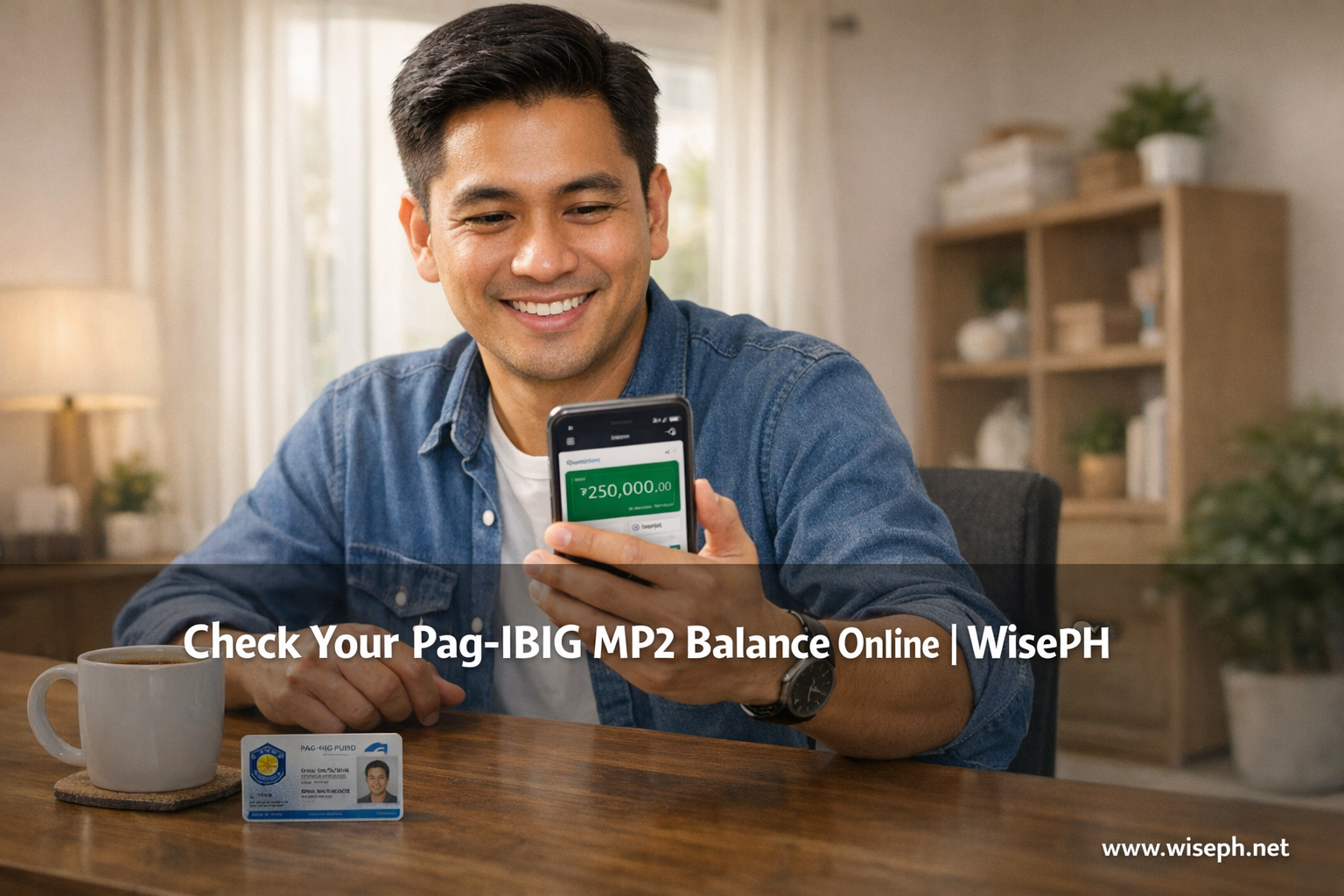
Your MP2 savings earn tax-free dividends every year. However, if you have never logged in to the Virtual Pag-IBIG portal, you cannot confirm those numbers. This guide covers registration, login, and every section of the MP2 dashboard, all based on personal use since 2023. For related topics, browse our complete Pag-IBIG savings guides.
What do you need before you register?
In total, three items get you through registration: your 12-digit Pag-IBIG MID number, a clear photo of a valid ID, and an active email address. That is the full list.
| Requirement | Details |
|---|---|
| 12-digit Pag-IBIG MID | Printed on your UMID, Pag-IBIG ID card, or any official Pag-IBIG document |
| Valid ID photo | UMID, PhilSys, passport, or driver’s license (must be clear and readable) |
| Active email | OTPs and the approval notice go here; use one you check daily |
| Stable internet | Mobile data is fine; Wi-Fi is more reliable for the ID photo upload |
No MP2 account yet? Start with the guide on how to open an MP2 account before you touch the portal.
How to register on the Virtual Pag-IBIG portal
Registration takes 10 to 15 minutes. Fortunately, Chrome works on most devices. If Chrome throws captcha errors or a blank screen after you click Submit, switch to Edge or open an incognito tab. That resolves most first-timer browser glitches immediately.
- Go to pagibigfundservices.com and click For Members.
- On the login screen, click Register Here or New User.
- Enter your 12-digit Pag-IBIG MID, your full name exactly as it appears in the Pag-IBIG system, and your date of birth.
- Upload a clear photo of your valid ID.
- Create a username and a strong password (8 or more characters, with at least one uppercase letter, one number, and one symbol).
- Enter your email address. An OTP lands in your inbox within seconds.
- Type the OTP and click Submit.
Name mismatch warning: The most common registration error is entering a name that does not exactly match Pag-IBIG records. “Juan Dela Cruz” and “Juan De la Cruz” are different entries to the system. Call (02) 8724-4244 or check an old Pag-IBIG document to confirm the exact spelling before you start.
The approval waiting period nobody warns you about
After you click Submit, the system runs a short verification before granting access. This takes 2 to 10 minutes on a normal day. During busy periods, it can stretch to 30 minutes. The screen might show “Your registration is under review,” or it may simply log you out. Both outcomes are normal. Wait a few minutes, then try logging in with the username and password you just created. Your full dashboard, including the MP2 tab, will appear once the system approves. Almost no guide online mentions this waiting period, which is precisely why so many first-timers think the registration failed and start over.
How to log in and navigate to your MP2 section
Your MP2 savings and your regular contributions live in separate tabs on the portal. Specifically, after logging in, look at the left-side menu and click MP2 Savings, not Regular Savings.
- Regular Savings, your mandatory monthly contributions (PF1)
- MP2 Savings, your voluntary Modified Pag-IBIG II account
- Loans, for short-term and housing loan records
From there, a card appears showing your MP2 account number and a bold “Total Savings” figure. Click View to open the full detail page.
What does the MP2 dashboard actually show you?
The MP2 detail page has five clearly labeled sections. In particular, there are no complicated graphs, just the numbers that matter for tracking your savings.
| Section | What you see |
|---|---|
| Account Information | Your MP2 account number and full registered name |
| Remittance Summary | Date of first deposit and your most recent deposit |
| Total Contributions | Every peso you have deposited, added together |
| Total Dividends Earned | Interest credited so far (updates once a year, every March) |
| Total Savings / Balance | Contributions plus dividends combined, the grand total |
Regular Savings vs. MP2 Savings: why people see the wrong total
This confusion trips up almost every first-timer. You log in, see the big “Total Savings” number under Regular Savings, and assume that covers all your money. It does not. Regular Savings and MP2 Savings are completely separate accounts with different numbers, different histories, and different dividend rates. Your MP2 balance only appears when you click the MP2 Savings tab. So if your voluntary extra deposits are not showing under Regular Savings, that is not a bug. Check the MP2 tab. The money is there.
How to view your MP2 contribution history month by month
The contribution history table gives you a full record of every deposit. Below the balance boxes, click View Contribution History. A year selector appears. Pick any year from the dropdown and the table loads right away.
| Column | What it means |
|---|---|
| Posting Date | Exact date your deposit was credited to the account |
| Amount Contributed | How much you deposited that period |
| Reference Number | Transaction ID from your bank or payment app |
| Status | “Posted” in green means confirmed; “Pending” means still processing |
| Running Balance | Cumulative total after each deposit |
Specifically, the list runs from newest to oldest. A PDF download button sits above the table for your records. In three years of personal use, every GCash and online payment has posted within 1 to 2 business days. In fact, there have been no missing entries and no discrepancies.
When do MP2 dividends appear in your balance?
Pag-IBIG credits MP2 dividends once per year, not monthly. The rate for the previous calendar year is announced in late February. As a result, the money typically posts to your account within 3 to 7 days after that announcement.
| Event | Typical timing |
|---|---|
| Annual dividend rate announced | Late February (the 2025 rate of 7.12% was announced Feb 27, 2026) |
| Dividends credited to portal | 3 to 7 days after the announcement, usually early March |
| How it appears on screen | Total Dividends Earned jumps; a “Dividends Credited” row appears in the contribution table |
On March 3, 2026, I opened the app for a routine check. Total Dividends Earned had jumped by more than ₱18,000 overnight. That was my share of the official 2025 MP2 dividend rate of 7.12%. No button to click, no form to submit. It just updated. Furthermore, the contribution table added a new “Dividends Credited” row for 2025 automatically. To estimate how large your next dividend credit might be, use the MP2 savings calculator and enter your current balance with the latest rate.
What to do if you forgot your password or cannot log in
Fortunately, a forgotten password does not require a branch visit. The reset process takes under 3 minutes and requires no documents.
- Go to the Virtual Pag-IBIG login page.
- Click Forgot Password? below the password field.
- Enter your username and the email address you used during registration.
- Check your inbox. A 6-digit OTP arrives in under 30 seconds. Check the spam folder if it is not in your main inbox.
- Enter the OTP, then create a new password (8 or more characters, uppercase letter, number, and symbol).
- Click Confirm, then log in with your username and the new password.
If your account is locked from too many failed attempts, wait 15 minutes before trying again. Still stuck? Email contactus@pagibigfund.gov.ph or call (02) 8724-4244 weekdays from 8 AM to 5 PM.
Best payment channels and how fast contributions post
Overall, GCash is the fastest and most reliable option for MP2 contributions. Over-the-counter payments work, but they regularly take five or more days to appear in your portal.
| Payment channel | Posting time | Fee | Notes |
|---|---|---|---|
| GCash Bills Payment | 1 to 2 days (same day if paid early AM) | ₱5 | Most reliable; recommended |
| Virtual Pag-IBIG app (GCash/Maya) | 1 to 2 days | ₱5 | Pay without switching apps |
| BPI online (PESONet) | About 2 days | Varies by bank | Reliable but slower than GCash |
| 7-Eleven CLIQQ / Bayad Center | 5 to 7 days | Varies | Frequently shows “pending”; may require emailing the receipt to Pag-IBIG |
Similarly, if you are unsure how much to put in each month, the guide on how much to save in MP2 per month breaks down the numbers by income level.
How to check your MP2 balance on the mobile app
The Virtual Pag-IBIG Android app and the iOS version display the same data as the browser portal. Same MP2 balance, same contribution history, same dividend amounts. Additionally, the app supports fingerprint login so you skip typing your password on every visit.
However, the one thing the app cannot do is register a brand-new account. You must complete first-time registration on the browser portal. After that, the app handles everything: checking your MP2 balance, viewing contribution history by year, paying your next contribution via GCash or Maya, and monitoring active loans. Personally, I use the app about 90% of the time because it is faster for a quick daily check.
Once your savings are on track, the next step is knowing when and how to access the money. The guide on how to claim your MP2 savings walks through the full maturity and payout process. You can also find the Pag-IBIG Loyalty Card guide and all other member resources in our complete Pag-IBIG savings guides collection.
Frequently asked questions
Can I check my Pag-IBIG MP2 balance without registering on the portal?
No. You need a Virtual Pag-IBIG account to view your MP2 balance online. Registration is free and takes 10 to 15 minutes. You only need your 12-digit Pag-IBIG MID, a valid ID photo, and an active email address.
Why can’t I see my MP2 savings after logging in?
Look for the MP2 Savings tab on the left-side menu. Do not click Regular Savings; they are separate accounts. If the MP2 tab shows no account at all, your MP2 account number may not be linked to your Member ID. Call Pag-IBIG at (02) 8724-4244 or email contactus@pagibigfund.gov.ph to request a linkage update.
How long does it take for an MP2 contribution to appear in the portal?
GCash and the Virtual Pag-IBIG app post within 1 to 2 business days, sometimes the same day if you pay early in the morning. Bank transfers via PESONet take about 2 days. Over-the-counter payments at 7-Eleven or Bayad Centers can take 5 to 7 days and sometimes require you to email your receipt to Pag-IBIG support.
When exactly do MP2 dividends get credited to my account?
Once a year, typically in early March. Pag-IBIG announces the official rate in late February. The 2025 rate of 7.12% was announced February 27, 2026. The credit posts automatically within days. No action is needed from you.
Is the Virtual Pag-IBIG mobile app the same as the browser portal?
Yes. Same balance, same contribution history, same dividend figures. The only difference is that first-time registration must be done on the browser portal. After that, the app handles everything, including fingerprint login, contribution payments, and loan monitoring.