

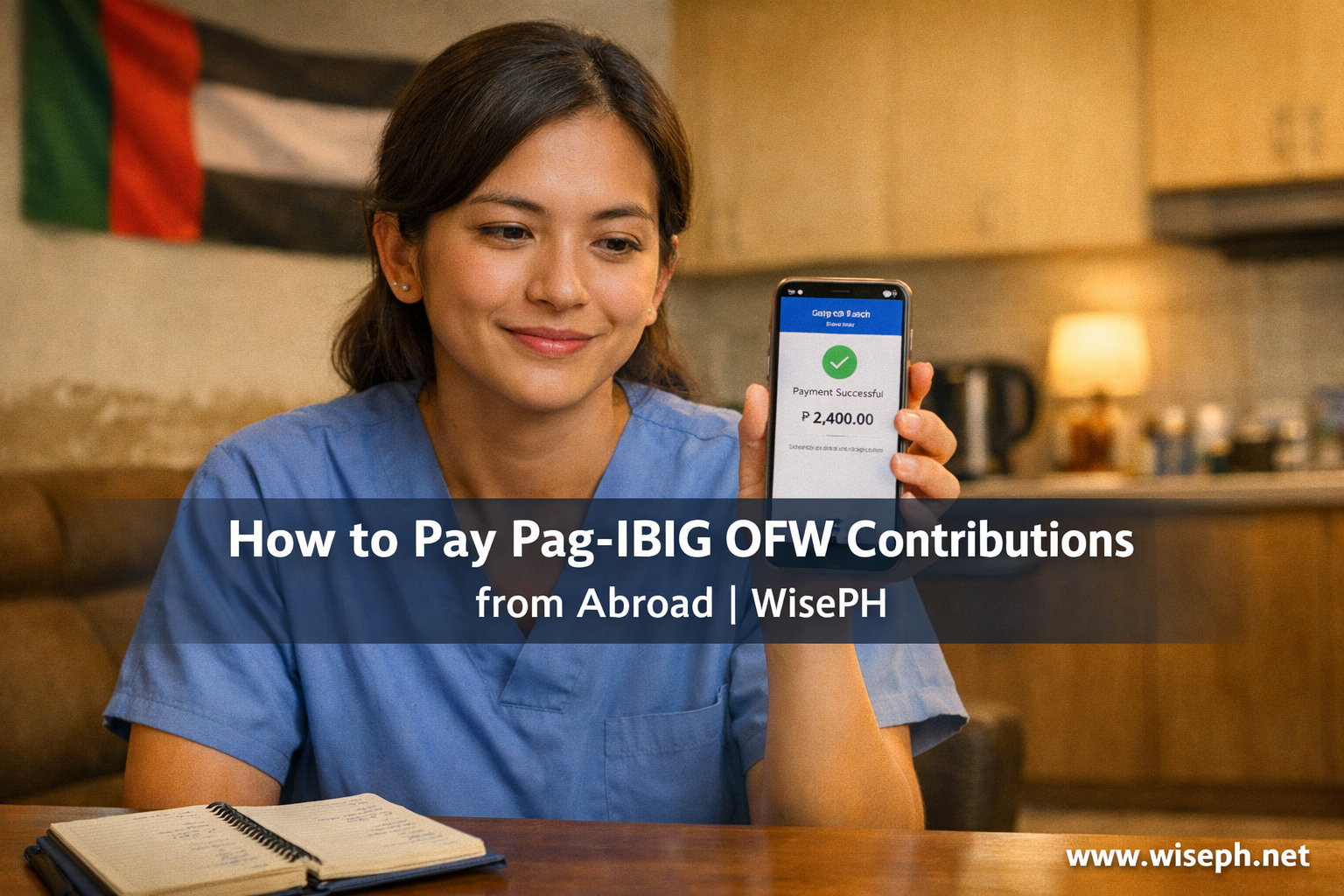
My first Pag-IBIG payment from Dubai was not what I expected. I had assumed the whole thing would involve international wire transfers and fees I could not even calculate. Instead, I opened GCash, entered the reference number, and got a confirmation in about five seconds. Then the real waiting started. Five days passed before the payment appeared in my Virtual Pag-IBIG account. I refreshed the portal every hour that week, convinced something had gone wrong. It had not. That delay is completely normal for overseas payments. Knowing it upfront would have saved me a week of anxiety.
How to register as an OFW Pag-IBIG member online
If you are still unregistered, you can complete the entire process online through the Virtual Pag-IBIG portal. Pag-IBIG has a dedicated path for this called “Account Creation for OFWs.” The whole process takes 20 to 45 minutes if you have your documents ready.
- Go to the Virtual Pag-IBIG portal and click “Create Account.”
- Choose “Account Creation for OFWs.”
- Fill in your full name (exactly as it appears on your passport), birthdate, and current country.
- Upload a clear scan of your passport or a valid Philippine ID, plus a selfie holding the document.
- Enter a Philippine mobile number to receive a one-time password (OTP).
- Verify with the OTP and submit. Your MID number appears immediately or within a few minutes.
If you already have a MID from a previous employer, enter it during registration. Your old records will be linked automatically. Check the Pag-IBIG MID number guide if you are not sure of your number.
The Philippine mobile number problem and three ways around it
The OTP step trips up more OFWs than anything else in the registration process. The problem is that Pag-IBIG sends the code only to a Philippine number, and many OFWs have let theirs go inactive. However, three workarounds exist that actually work:
- Family member’s number. Ask a relative in the Philippines to stand by and forward the OTP via WhatsApp or Viber. Most of my colleagues in Dubai went this route.
- Philippine SIM on roaming. Keep a Globe or Smart SIM active with minimal load. It can receive SMS even while you are abroad, and the cost is usually just a small monthly maintenance charge.
- POLO or Philippine Embassy desk. If you have no Philippine number and no contact at home, visit the Pag-IBIG counter at your nearest POLO-OWWA or consulate. Staff can walk you through it or finish the registration for you.
Payment channels that work in 2026
Before using any payment channel, log in to Virtual Pag-IBIG and generate a Payment Reference Number (PRN). This step is not optional. Payments without a PRN land in a suspense account and take weeks to trace. It catches more OFWs off guard than anything else in the payment process. Generate a new one for every payment, even when the amount never changes.
| Channel | Works from | Posting speed | Notes |
|---|---|---|---|
| Virtual Pag-IBIG + credit/debit card | Worldwide | Instant to 24 hours | Visa/Mastercard accepted directly in the portal (cleanest option) |
| Maya (mobile app) | Most countries | Instant | Reliable alternative when GCash is unavailable |
| GCash Global | UAE and select countries | Instant | Works well from Dubai; check availability for your specific country |
| PNB Global Remit / BDO Kabayan | Worldwide | 1–3 days | Good fallback when apps are blocked or restricted |
| POLO-OWWA / Pag-IBIG overseas desk | Major OFW hubs | 1–7 days | Cash or local bank transfer accepted in person |
If I had to pick one channel, I would use the Virtual Pag-IBIG portal with a card. The PRN is already linked when you start the payment. As a result, there is no separate app or manual reference number entry. Fewer steps, fewer things that can go wrong.
How much should you actually pay?
The minimum is ₱200 per month. That keeps your account active and preserves your loan eligibility. However, your Total Accumulated Value (the savings balance Pag-IBIG uses to calculate loan amounts) grows slowly at that level. See the full Pag-IBIG contribution rate guide for the exact math behind the rates.
| Goal | Recommended monthly total | Suggested split |
|---|---|---|
| Stay active (basic protection) | ₱200 | All to regular savings |
| Housing loan target | ₱1,000–₱3,000 | ₱400 regular + rest to MP2 |
| Retirement / wealth building | ₱2,000+ | ₱400 regular + rest to MP2 |
My setup right now is ₱400 to regular savings and ₱1,600 to MP2, for a total of ₱2,000 per month. Regular savings builds loan eligibility and keeps my membership strong. MP2, however, is where the real growth happens: higher dividends, tax-free, and the balance still counts toward my housing loan capacity. The regular savings vs. MP2 guide explains the difference if you want to go deeper.
Even ₱600 total (₱200 regular plus ₱400 to MP2) puts you ahead of just paying the minimum. You can increase the amount later as your income stabilizes. The Pag-IBIG MP2 calculator shows how your balance grows based on what you contribute each month.
Five mistakes that lose or delay your payment
1. Skipping the PRN. I see this more than any other mistake. Many OFWs pay through GCash or a remittance app without generating a PRN from the Virtual Pag-IBIG portal first. The payment shows up as “unidentified” and someone at Pag-IBIG has to trace it by hand. That process takes two to eight weeks. Therefore, always generate a new PRN before every payment.
2. Wrong MID number or name mismatch. Even one wrong digit in the MID sends the payment to a suspense account. So does a missing middle name or a nickname that differs from your Pag-IBIG records. Specifically, make sure the name you use exactly matches your birth certificate or passport. Family members paying on your behalf are especially prone to name errors. Give them your exact details in writing.
3. Wrong membership status. If your Pag-IBIG account is still tagged as “Employed” from your last Philippine job, some payments get rejected or posted incorrectly. Therefore, update your status to “Voluntary” or “OFW” in the Virtual Pag-IBIG portal before you pay. This is a one-time fix that prevents recurring problems.
4. Sending a duplicate payment out of panic. Because overseas payments take 3–7 days to post, many OFWs assume the first one failed and send another. Both payments end up in the same month, and untangling that takes time. Wait at least seven banking days and check your contribution history before sending anything again.
5. Using a small remittance center without a proper reference. Some informal remittance shops accept cash for Pag-IBIG but do not use your PRN or specify the correct payment category (regular savings vs. MP2 vs. loan). The money eventually arrives but can take 30 to 60 days to post correctly. Therefore, stick to the main channels in the table above.
What happens when there is a gap in contributions
No penalty applies to voluntary or OFW members who miss payments. However, your account goes inactive, which blocks access to every Pag-IBIG benefit: housing loans, Multi-Purpose Loans, calamity loans, and MP2 top-ups. Your savings stay put and keep earning dividends during that time. You just cannot borrow against them until your account is active again.
A colleague of mine had a 14-month gap when he changed employers and forgot to restart payments. He could not apply for a housing loan until three consistent payments flipped his status back to active. Another colleague lost nearly two years of potential MP2 dividends because the gap delayed her ability to increase contributions. The longer the gap, the more it affects your total savings when you eventually need the money. Fix it the moment you notice.
However, restarting is quick. Log in to Virtual Pag-IBIG, update your status to “Voluntary / OFW” if it still shows as employed, generate a PRN, and pay. After one to three consistent payments your account is usually active again. For more details, the Pag-IBIG housing loan guide explains how contribution history affects your eligibility.
Fixing wrong or missing postings from abroad
When a payment seems wrong or is missing after seven days, document everything first. Save a screenshot of the confirmation, the PRN you used, and the transaction date. Then submit a ticket through the Virtual Pag-IBIG member services section with all the attachments. Simple cases typically resolve within one to three weeks. For older issues, email Pag-IBIG Fund directly. Include your MID number and the issue type in the subject line. For cases that need physical follow-up, get a Special Power of Attorney from the Philippine Embassy. A family member can then act on your behalf.
From zero to first payment in 30 minutes
If you have been abroad for a year or more and have not started yet, here is the fastest path from nothing to confirmed first payment.
- Prepare three things (2 minutes): a passport or Philippine ID scan on your phone, an email address, and a Philippine mobile number ready to receive an OTP.
- Register on Virtual Pag-IBIG (10 minutes): go to the portal, click “Create Account,” choose “Account Creation for OFWs,” fill in your details, upload your ID and selfie, enter the OTP, and submit.
- Generate a PRN (1 minute): once logged in, go to Payment or Contribution and generate a Payment Reference Number for regular savings.
- Pay (5 minutes): use a credit or debit card directly in the portal, or open Maya or GCash and pay under Bills then Pag-IBIG using the PRN. Start with at least ₱500 so the account feels real from day one.
- Screenshot everything: save the registration confirmation and the payment receipt in one folder. After three to seven days, log back in and confirm the contribution posted.
Once the first payment is confirmed, consider opening an MP2 account at the same time. The MP2 account setup guide walks through the steps, and you can do it from the same Virtual Pag-IBIG session.
Frequently asked questions
Can OFWs pay Pag-IBIG contributions online from abroad?
Yes. You can register and pay entirely through the Virtual Pag-IBIG portal. Credit and debit cards (Visa/Mastercard), Maya, and GCash are the main options, depending on your country. Always generate a Payment Reference Number from the portal before paying through any channel.
How long does it take for a Pag-IBIG payment to post when made from abroad?
Expect 3 to 7 banking days, even when GCash or Maya confirms the transaction instantly. That delay is normal. Do not send a second payment during the wait. Check your Virtual Pag-IBIG contribution history after 7 days before taking any action.
What is the minimum monthly Pag-IBIG contribution for OFWs?
₱200 per month keeps your account active and preserves loan eligibility. However, if your goal is a housing loan or faster growth, a split of ₱400 to regular savings plus an amount to MP2 builds your total balance much more quickly.
Can I register for Pag-IBIG while already working abroad?
Yes, fully online. Go to the Virtual Pag-IBIG portal, choose “Account Creation for OFWs,” upload your passport and a selfie, and verify with an OTP sent to a Philippine number. A family member can forward the OTP if your PH SIM is inactive. The whole process takes 20 to 45 minutes.
What happens if I miss Pag-IBIG payments as an OFW?
No daily penalties apply to voluntary or OFW members. However, your account goes inactive, which blocks access to all Pag-IBIG loans until you resume payments. Your existing savings stay safe and keep earning dividends during the gap. Restarting with 1 to 3 consistent payments usually restores active status.
Starting is the hardest part for most OFWs I speak with. Once the first payment posts and the balance shows up in your account, everything after that gets easier. If you also want to start building faster with MP2, the MP2 account guide is the next step.