
PhilHealth
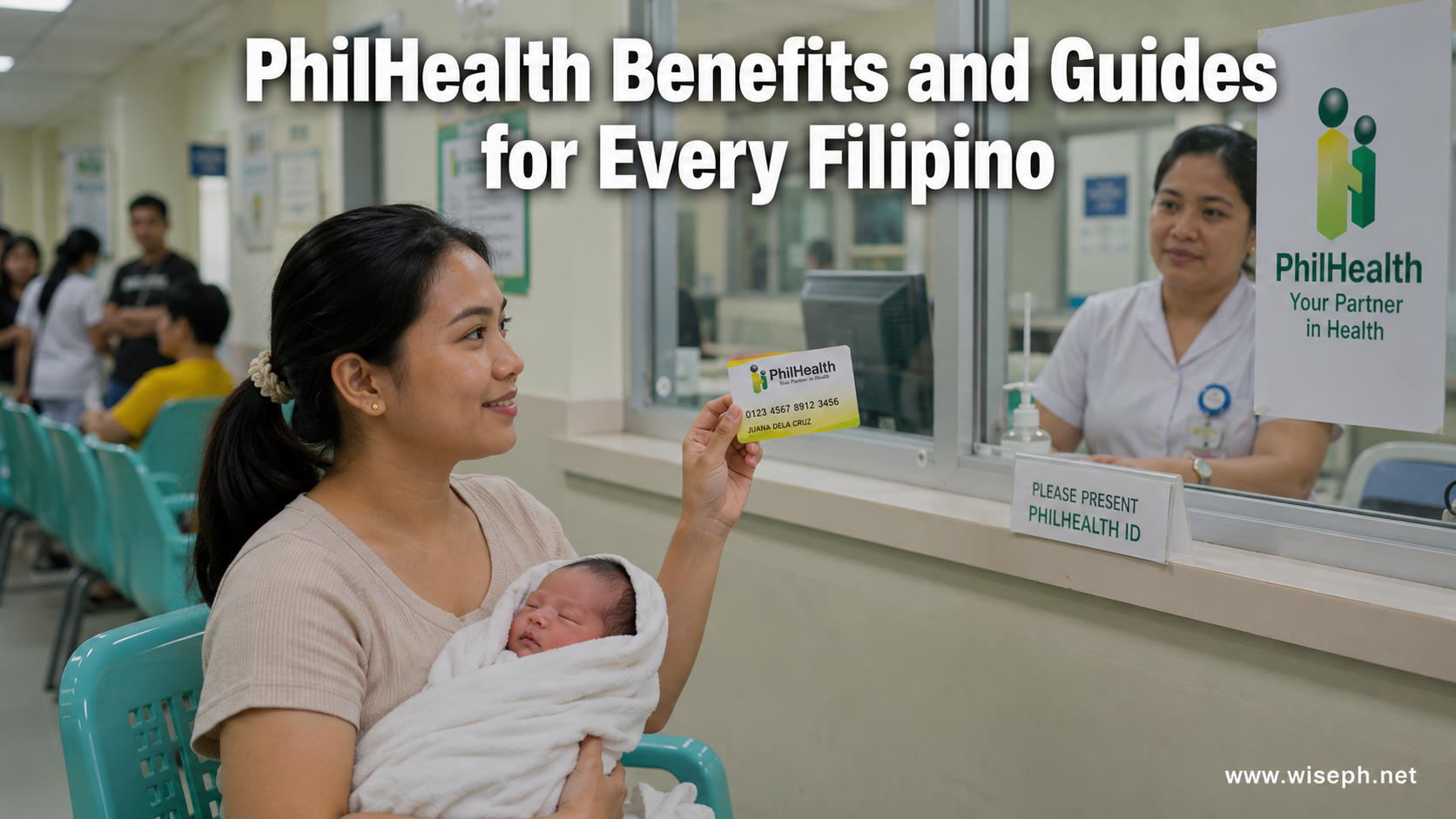 Everything you need to know about PhilHealth as a Filipino worker, freelancer, or OFW. This section covers online registration, contribution rates, how to use your benefits, and what PhilHealth actually pays when you're hospitalized. Whether you're signing up for the first time or switching from employed to self-employed, these guides walk you through each step using the official Member Portal. New to PhilHealth? Start with our PhilHealth guide, which puts every PhilHealth article in one place.

What documents do you need to file a PhilHealth claim?
TL;DR: Filing a PhilHealth claim requires different documents depending on how you file. For hospital-filed (facility-based) claims, bring your PhilHealth...
Read moreDetails
Who are qualified PhilHealth dependents? Complete guide
TL;DR: PhilHealth dependents are family members who get hospital and medical coverage under your membership at zero extra cost. Qualified...
Read moreDetails
Am I eligible for PhilHealth benefits? Here’s how to check
TL;DR: Every PhilHealth member is eligible for benefits right away. The Universal Health Care Act (RA 11223, Section 9) grants...
Read moreDetails
Where to pay PhilHealth contributions online in 2026
TL;DR: To pay PhilHealth contributions online, generate a fresh SPA first at spagen.philhealth.gov.ph, then pay via GCash, Maya, a bank...
Read moreDetails
How to generate your PhilHealth SPA for payment (2026 guide)
TL;DR: Before generating your PhilHealth SPA, check three things: your membership type must be self-paying (not Employed), your declared monthly...
Read moreDetails
How to check your PhilHealth contributions online (2026 guide)
TL;DR: Go to memberinquiry.philhealth.gov.ph/member, create a portal account with your 12-digit PIN if it's your first time, then click Contribution...
Read moreDetails
PhilHealth online login: how to access your account and what to do inside
TL;DR: The PhilHealth online login page is at memberinquiry.philhealth.gov.ph. Enter your 12-digit PIN and password to get in. After logging...
Read moreDetails
How to register for PhilHealth online: complete 2026 guide
TL;DR: If you're employed, your employer registers you for PhilHealth. If you're self-employed, a freelancer, an OFW, or a voluntary...
Read moreDetails